×![]()
Introduction
You can use the Filter option to:
- Search for multiple events that share the same criteria.
- Filter events based on Adapter Type.
Filter events
Follow these steps to filter events:
To select your client, click the Client/Partner dropdown from the top-left corner of the dashboards screen. Either type your client’s name in the search box or select your client from the list.
Click Setup > Account. The Account Details screen is displayed.
Click on the Monitoring tile.
Click on the EVENTS tab.
From the EVENTS listing screen, click Filter. The FILTER dialog box is displayed.
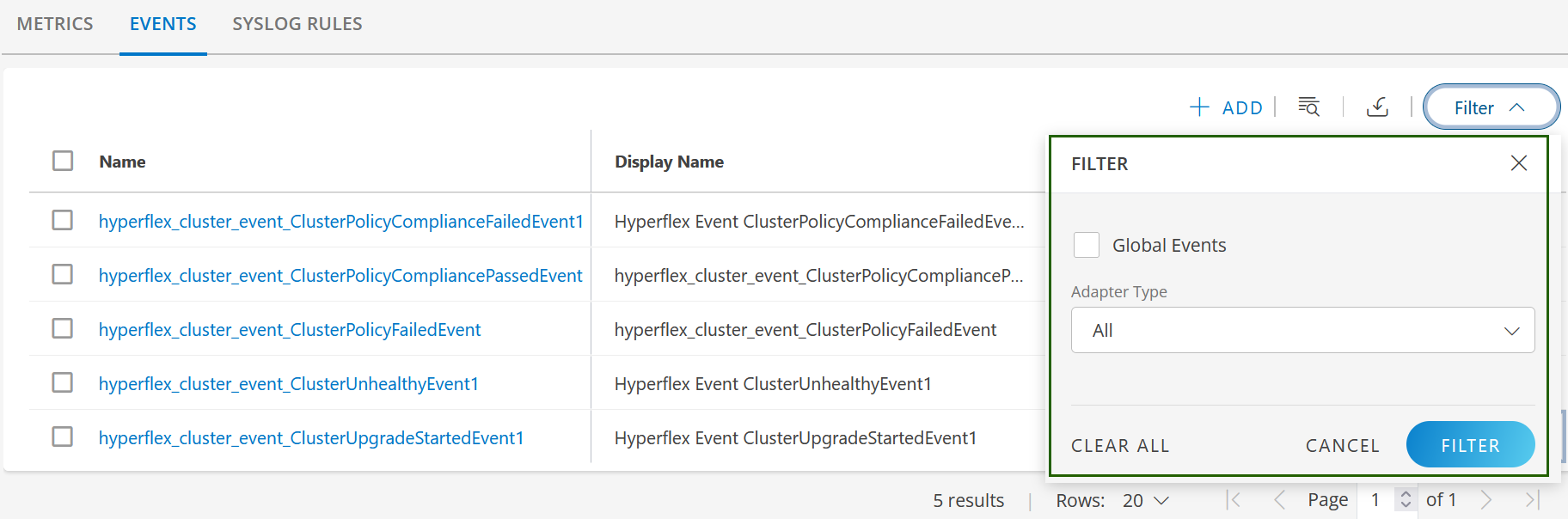
Select Adapter Type from the dropdown.
Select Global Events checkbox to view all Out-of-the-box global events supported by OpsRamp.
Click FILTER. The filtered list is displayed.
- Click CLEAR ALL to clear the selection.
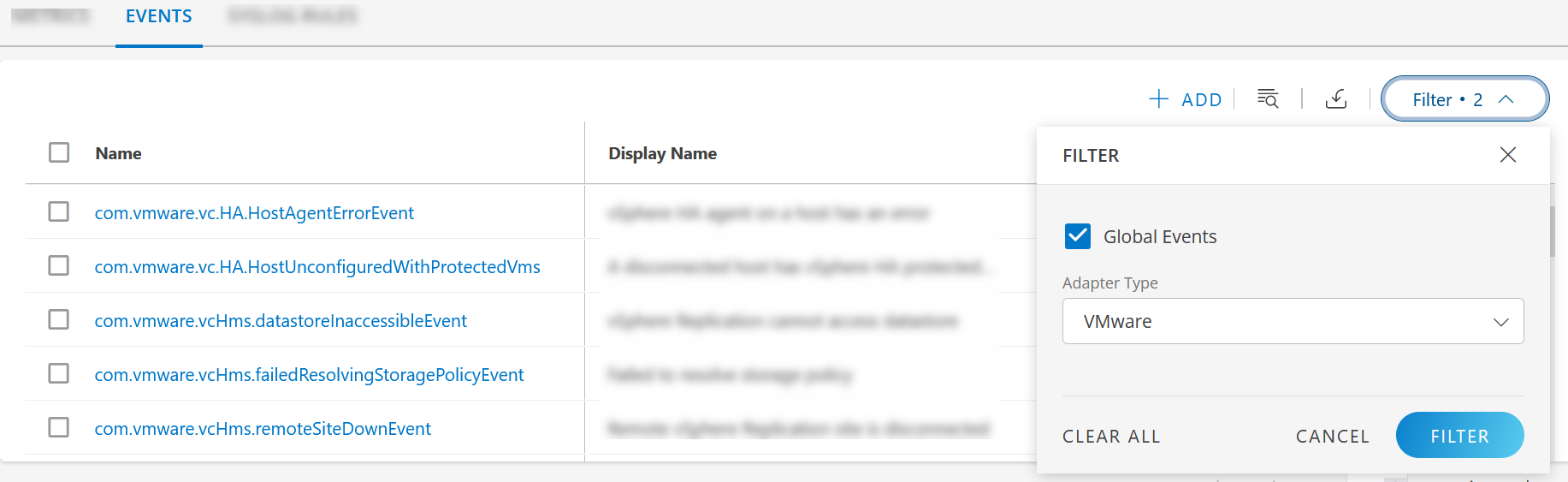
Following is an example of a filtered list where Adapter Type is VMware: