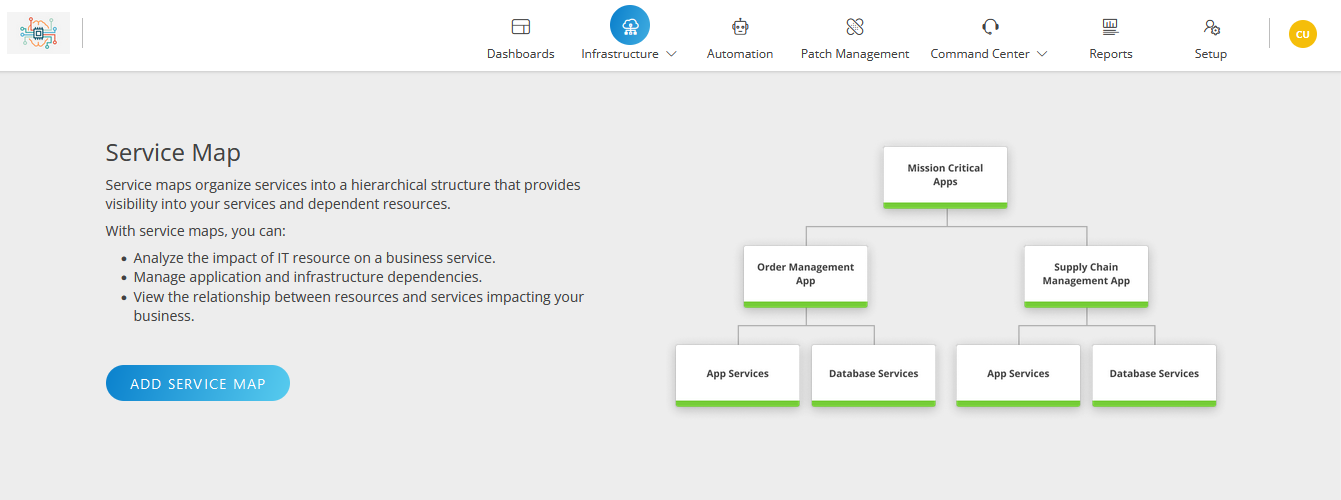
Service Maps help organize IT services into a hierarchical structure and provide clear visibility to services and resources dependent on the services.
Create service maps
Rules need to be defined to interlink a parent node with its child nodes. Service Maps automatically tracks service impacts based on the defined rules.
Go to Infrastructure > Service Maps. The Service Maps page is displayed with the list of all service maps.
Search for the Service Maps and hover mouse on a row.
Click the action menu at the end of the row and then click Remove.
Click REMOVE on the confirmation popup. The following message appears: Are you sure you want to remove the Service Maps?
Click REMOVE to delete and the Service Maps is removed. click CANCEL to go back.
Refresh the Service Maps
To refresh the Service Maps:
Go to Infrastructure > Service Maps. The Service Maps page is displayed with the list of all service maps.
Click the refresh icon. The list is refreshed.